Learning Objectives
By the end of this lesson, you will be able to:
- Explain what Microsoft Excel is in your own words.
- Describe why Excel is used across business, finance, and education.
- Identify a workbook, a worksheet, rows, columns, and cells.
- Recognize how a cell address (like A1, B3) works.
What is Microsoft Excel?
Microsoft Excel is a spreadsheet program developed by Microsoft. It lets you store data in rows and columns, perform calculations using formulas, analyze information, and create charts and dashboards — all inside one file called a workbook.
In simple words: Excel is like a very powerful digital notebook made of tiny boxes (cells). You type numbers, text, or dates into these boxes, and Excel helps you calculate, sort, filter, and visualize them.
Why People Use Excel
Store lists like students, products, sales, expenses in a clean, structured format.
Add, subtract, multiply, and use hundreds of built-in formulas without a calculator.
Use sorting, filters, pivot tables to answer questions from raw data.
Turn numbers into bar charts, line charts, and dashboards for reports.

Excel Building Blocks
Every Excel file is built from just a few simple pieces:
| Part | What it means | Example |
|---|---|---|
| Workbook | The entire Excel file | Sales-2026.xlsx |
| Worksheet | A single sheet inside a workbook | Sheet1, Jan, Feb |
| Row | A horizontal line of cells | Row 1, 2, 3 … |
| Column | A vertical line of cells | Column A, B, C … |
| Cell | One box where row and column meet | A1, B3, C10 |
Workbook vs Worksheet
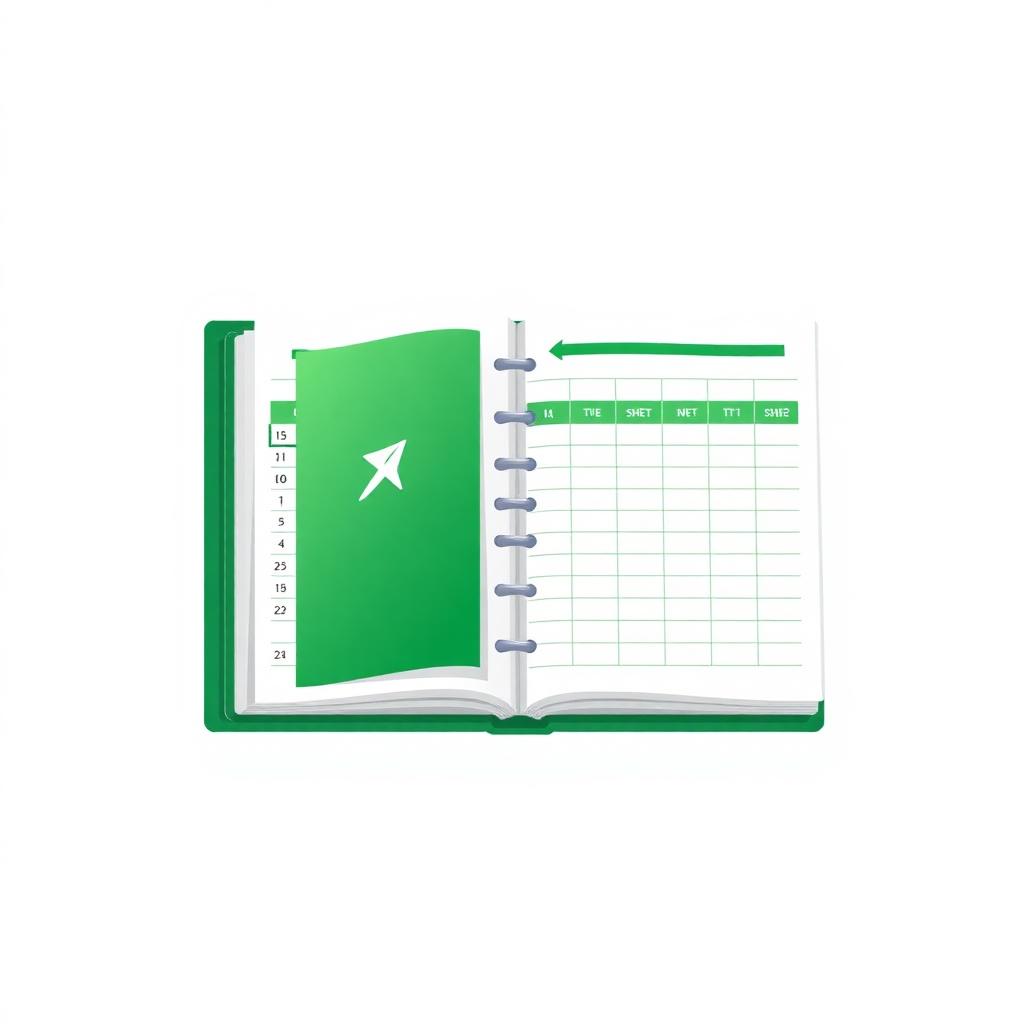
A workbook is the whole Excel file. Inside one workbook you can have many worksheets (also called sheets or tabs), each with its own grid.
Rows, Columns & Cells
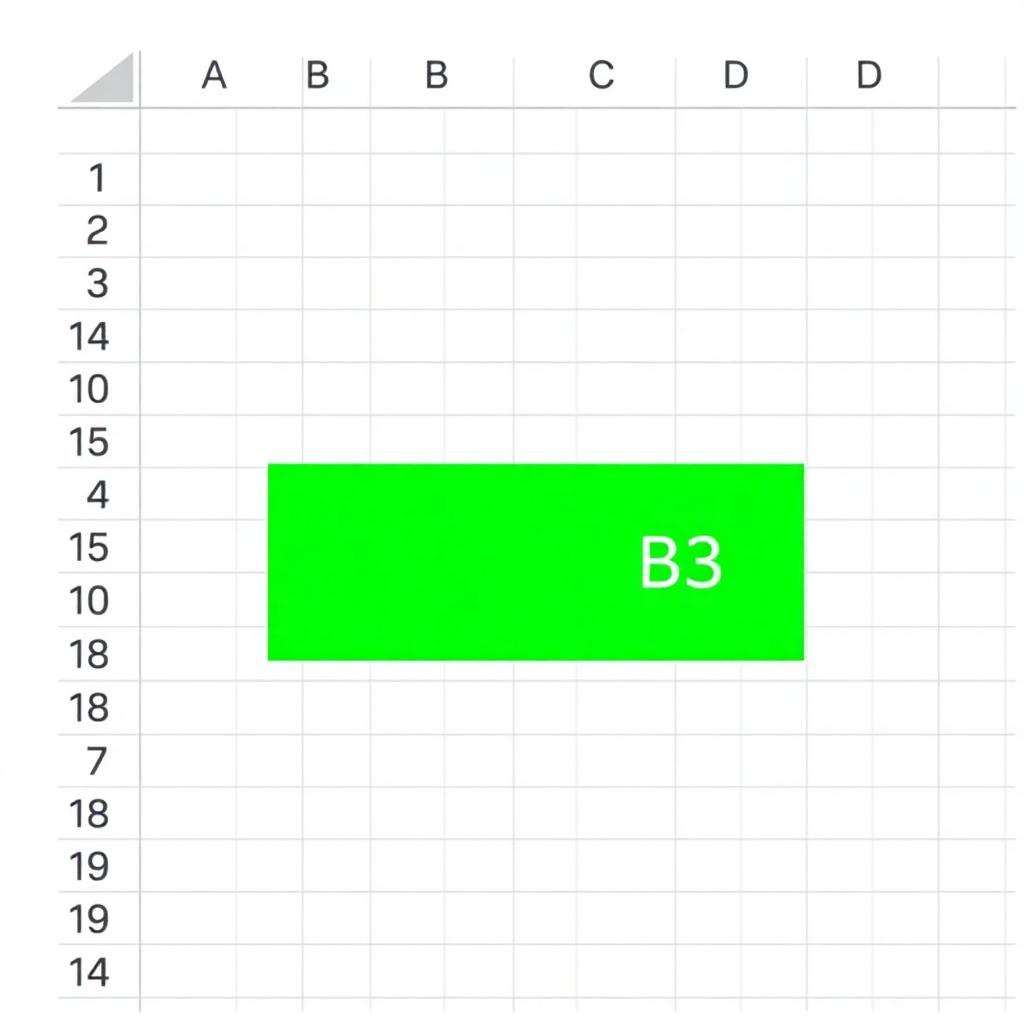
Every worksheet is a grid. The horizontal lines are called rows and are numbered 1, 2, 3…. The vertical lines are called columns and are labeled A, B, C…. Where a row and column meet, you get a cell. Each cell has a unique cell address like A1, B3, or D10.
Key Terms
The complete Excel file (.xlsx).
A single sheet or tab inside a workbook.
A single box in the grid, identified by its address.
Column letter + row number, e.g. A1, B3.
The currently selected cell where you can type.
An instruction that starts with = and returns a value.
Practice Questions
- 1. Open Excel and create a new workbook. Rename Sheet1 to Practice.
- 2. Type your name in cell
A1, your city inA2, and your age inA3. - 3. Identify: which row is your city in? Which column? What is the cell address?
- 4. Add a second worksheet named Notes and type three things you learned today.
Quick Quiz (MCQs)
Summary
- Microsoft Excel is a spreadsheet app used to organize, calculate, analyze and visualize data.
- A workbook is the whole Excel file; a worksheet is one sheet inside it.
- The grid is made of rows (numbered) and columns (lettered).
- Each cell has a unique address like A1 or B3.
Practice this lesson with real files
Get free practice workbooks, notes and doubt solving inside the free VIP WhatsApp community.
Join Free WhatsApp VIP Community