Excel Basics · Beginner course
Excel Basics
Master Microsoft Excel from Beginner to Advanced with step-by-step lessons, notes, quizzes, and practice files.
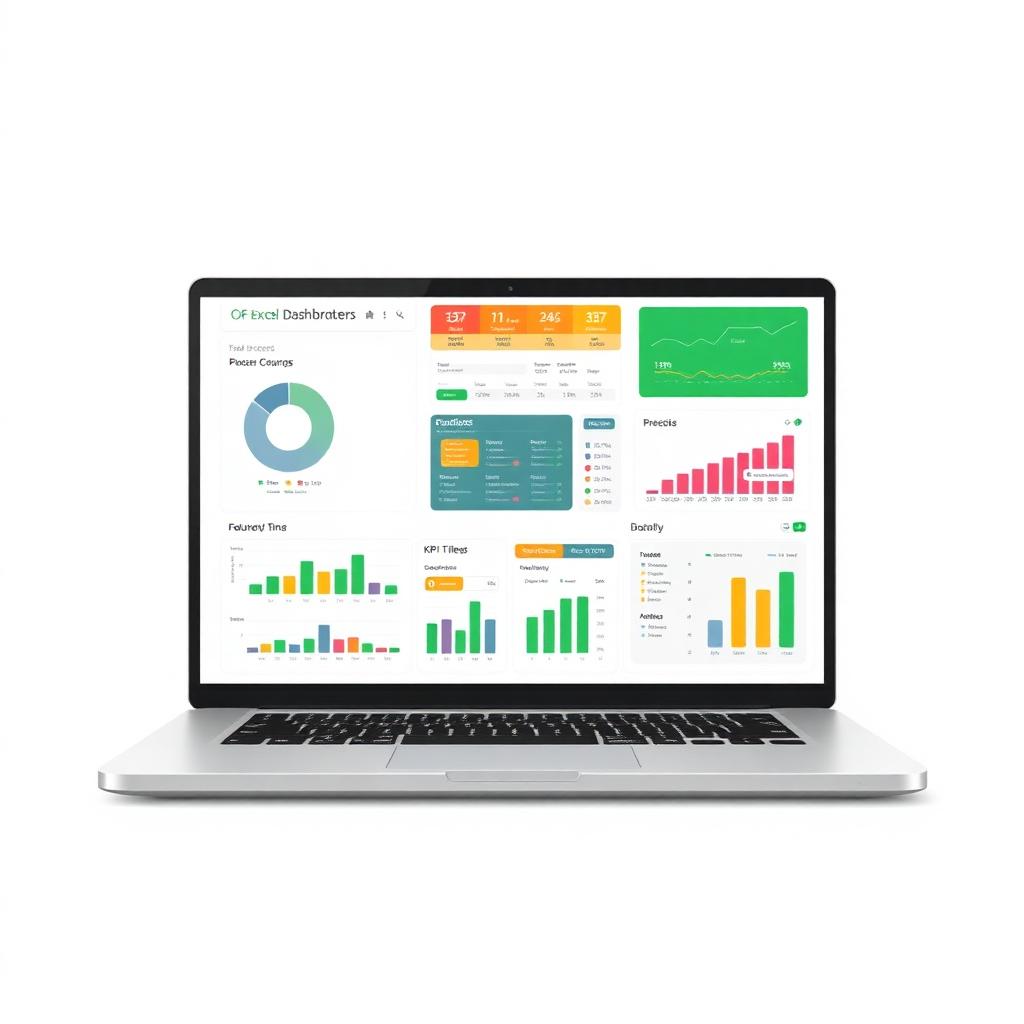
Congratulations! You have completed the Excel Basics course.
All 7 lessons are unlocked. Download your certificate, take the final quiz and get the practice workbook and lesson notes PDF from the free VIP WhatsApp community.
What is Microsoft Excel?
Understand Microsoft Excel, spreadsheets, workbooks, worksheets, rows, columns, cells, and where Excel is used.
Start Learning →Excel Interface
Ribbon, tabs, formula bar, name box, status bar and every part of the Excel window.
Start Learning →Workbook & Worksheet
Difference between a workbook and worksheet, adding, renaming and managing sheets.
Start Learning →Rows, Columns & Cells
How the Excel grid works — rows, columns, cell address and the active cell.
Start Learning →Data Entry & Editing
Enter, edit, copy, paste, undo and clear data confidently in any worksheet.
Start Learning →Basic Formatting
Fonts, colors, borders, alignment, number formats and cell styles.
Start Learning →Save, Open & Print Workbook
Save, open, share and print your workbooks in all common Excel formats.
Start Learning →